

Products are selected by our editors, we may earn commission from links on this page.
Just got your shiny new iPhone 17? Before you show it off at the airport charging station, the TSA has a word of advice: don’t plug it in just anywhere. The agency is warning users to disable a risky “Wired Accessories” setting in iOS 26, which could expose devices to hackers through public USB ports found in airports, cafes, and hotels.
A New TSA Travel Advisory for iPhone Owners
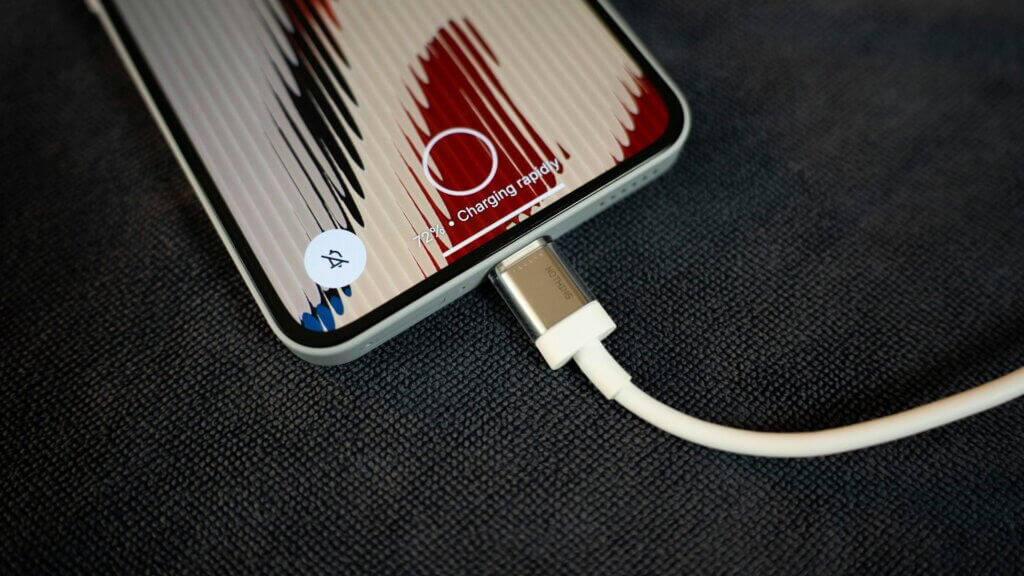
The TSA’s guidance highlights a growing cyber risk for travelers: malicious public charging stations. “Hackers can install malware at USB ports,” the agency warns, advising users to avoid plugging their devices directly into airport, hotel, or coffee shop charging hubs. Instead, it recommends using personal chargers or portable power banks to eliminate the risk of hidden data transfer lines.
The Risk Hidden in iPhone’s ‘Wired Accessories’ Setting
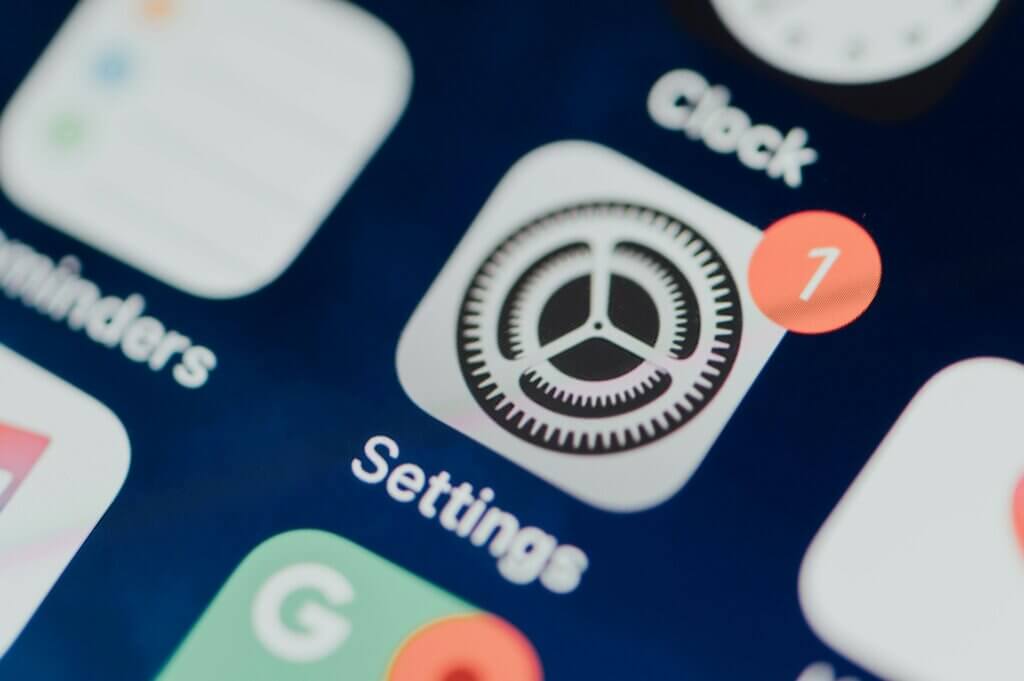
With Apple’s iOS 26 update, the “Wired Accessories” setting was quietly introduced under Settings → Privacy & Security → Wired Accessories. By default, it’s set to “Automatically Allow When Unlocked”, meaning that any cable or device connected while the iPhone is unlocked can access its data. The TSA and cybersecurity experts now recommend switching this to “Always Ask” or “Ask for New Accessories” to prevent automatic trust of unknown hardware.
How Hackers Exploit Charging Cables

The warning ties back to a long-standing threat known as “juice jacking.” As McAfee explains, juice jacking occurs when hackers modify USB charging stations or cables to siphon data or inject malware into connected devices. Once plugged in, your iPhone could unknowingly share sensitive information like passwords, photos, and banking details — or worse, give attackers remote access to your phone.
The Rise of ‘Choicejacking’ Attacks
The threat doesn’t end with traditional USB attacks. Researchers have identified a new exploit dubbed “choicejacking,” where attackers manipulate accessory prompts to trick the phone into recognizing malicious hardware as trusted. According to Forbes, these deceptive pop-ups can bypass built-in safety prompts, allowing hackers to impersonate accessories like keyboards or headphones and access the device’s internal systems.
Airports: The Perfect Hunting Ground

Cybersecurity experts say that airports and transportation hubs are prime environments for these attacks. With thousands of travelers daily and USB ports embedded in seating areas, lounges, and gate counters, it’s easy for compromised hardware to blend in. BGR notes that hackers are “highly active at locations like airports, train stations, and other busy gathering spots,” where people are most likely to rush a charge without thinking twice.
The AirPlay Angle: Another Apple Vulnerability
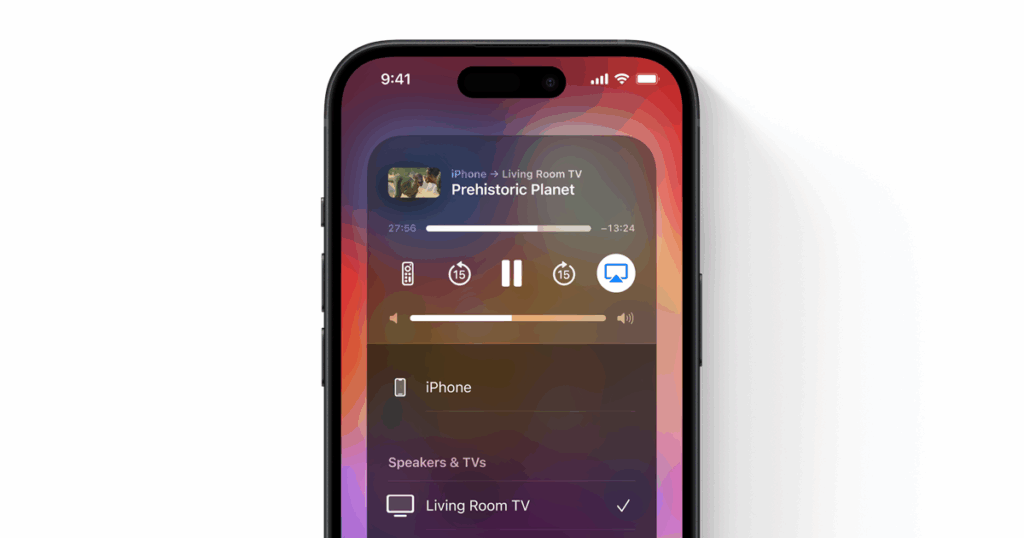
Concerns over iPhone security intensified after cybersecurity firm Oligo Security discovered a vulnerability dubbed “Airborne.” This wormable, zero-click exploit targets Apple’s AirPlay protocol, allowing attackers to spread malware between devices on the same network without user interaction. While unrelated to the TSA’s warning, the discovery underscores a broader trend: Apple’s interconnected ecosystem can amplify risks if one entry point is compromised.
What Apple and Experts Recommend

Apple has not issued a dedicated statement regarding the TSA warning, but maintains that iPhone users can mitigate such risks by managing accessory permissions. Cybersecurity experts agree: avoid public USB charging stations, use data-blocking adapters (also known as USB condoms), and rely on personal chargers or portable battery packs. Even a single compromised USB cable can become a gateway for malware installation and data theft.
Are These Threats Overblown?
Skeptics note that there are no widespread reports of juice jacking attacks in recent years, and the FCC has said such cases are rare. However, cybersecurity firms warn that the low cost and simplicity of modifying a USB port make it an easy attack vector. McAfee points out that “a modified USB port or cable is enough” to execute a successful compromise, no advanced hacking tools required.
Staying Secure on the Go
Whether you’re recharging at an airport, hotel, or coffee shop, a quick battery top-up shouldn’t come at the expense of your data. The TSA’s warning isn’t about panic — it’s about prevention. A quick settings tweak, a personal charger in your carry-on, and a little awareness can go a long way. In the end, digital peace of mind might just be the best travel companion you pack.